
AD — As an Amazon Associate I earn from qualifying purchases.
This is an editorial review based on product information and wider research.
Smart Home
Skylight Calendar Review: A Polished Way to Organise Family Life
The 15-inch Skylight Calendar brings schedules, chores and family organisation together on one attractive touchscreen. It is easy to understand, thoughtfully designed and useful even without a subscription, although some of its most appealing lifestyle features require Skylight Plus.
Researched by Big Deal Babe ·
Quick verdict
The Skylight Calendar is a polished and approachable family organiser with a clear touchscreen, colour-coded schedules and useful shared planning tools. Its standard calendar, chores and list features work without a subscription, but meal planning, Rewards, Magic Import and the photo-and-video screensaver require Skylight Plus. It is a strong choice for families who value simple, attractive organisation and are comfortable with optional paid extras.
4.2 / 5
Best for
Families who want an attractive shared calendar with straightforward planning tools and optional premium features.
Latest Smart Tech Deals
Prices and savings are live but subject to change.
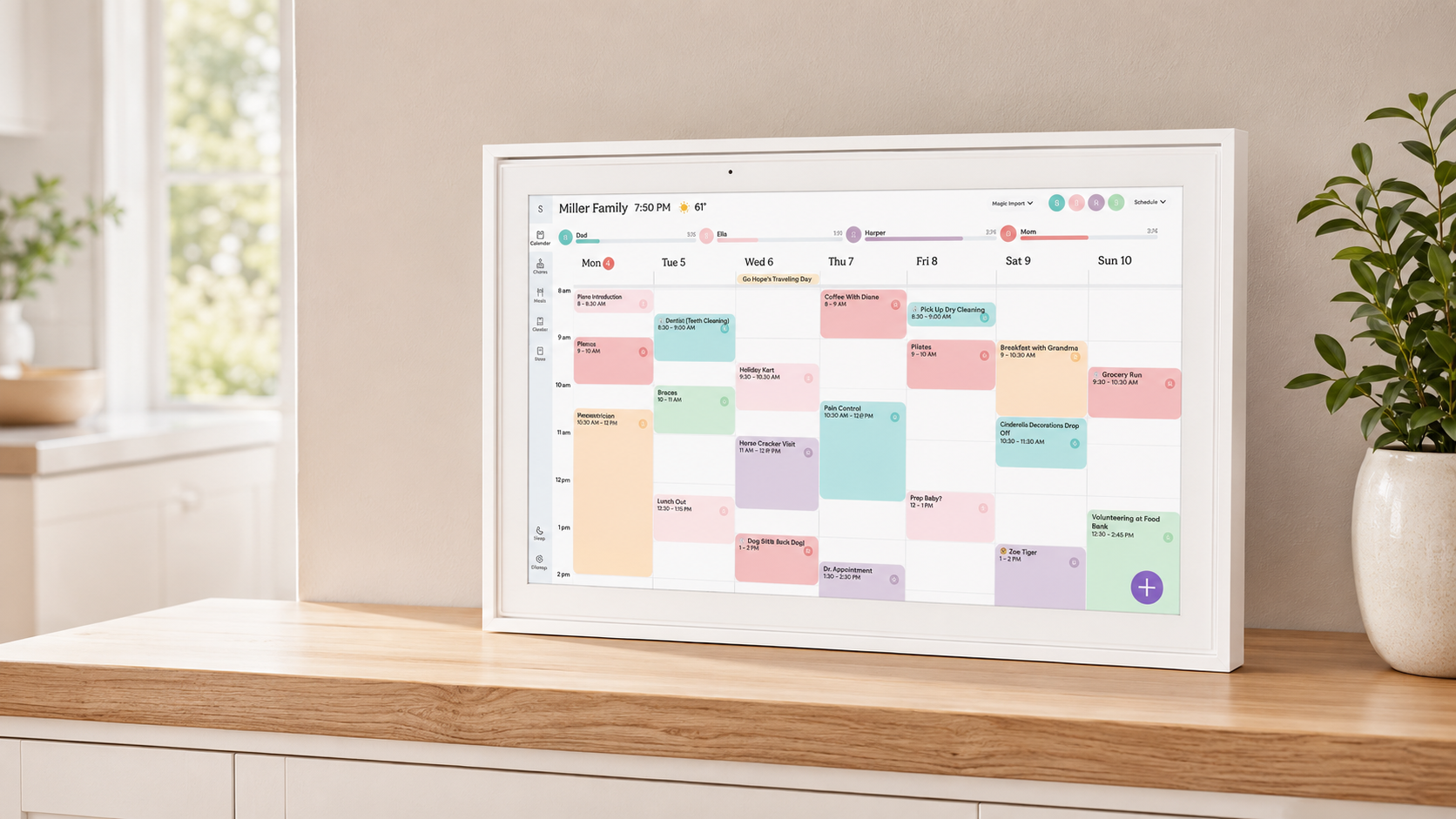
The appeal of the Skylight Calendar is easy to understand. Rather than leaving everyone to manage separate apps, messages and paper reminders, it gives the household one visible place to check appointments, activities and everyday responsibilities. Its interface is designed to feel simple rather than technical. Events can be colour coded for different members of the household, and the touchscreen layout makes it easy to move between schedules, chores and lists.
Key Features
The Skylight Calendar can sync with popular online calendars, allowing household schedules to appear together on the main display. Events added through a connected calendar can then be viewed in daily, weekly or monthly formats. Families can also create chores, tasks and custom lists, helping the screen work as more than an appointment calendar. The Skylight app provides another way to manage information remotely, so changes do not always need to be made directly on the display. The 15-inch touchscreen is large enough to show a useful amount of information without requiring the wall space of an oversized display. It can work particularly well on a kitchen counter, sideboard or desk where people can easily see and interact with it throughout the day.
What I Liked
Skylight has clearly prioritised ease of use. The interface looks polished and friendly, with clear typography, colourful profiles and a layout that should be understandable even for family members who are not especially confident with technology. The core calendar and chore-chart functions are included without Skylight Plus. This means the device can still provide a genuinely useful shared schedule and family task system without an ongoing subscription. Its focused approach may also appeal to households that do not want a full smart display filled with entertainment apps and notifications. Skylight is primarily designed to help people organise family life, and that purpose remains clear throughout the interface.
Things to Know
The main consideration is Skylight Plus. The optional membership adds several of the features that make the calendar feel more like a complete family-management centre. These include meal planning, Rewards for completed chores, a photo-and-video screensaver and Magic Import through Sidekick, which can turn information from emails and flyers into calendar content. Families who mainly want a shared colour-coded calendar, chores and lists may be perfectly happy with the included features. Those attracted by the meal planner, reward system or the ability to use the screen as a digital photo display should factor the optional membership into their decision. It is also worth thinking about placement. A touchscreen works best when it is somewhere people can comfortably reach, rather than mounted too high or positioned across a large room. The 15-inch size feels particularly well suited to a counter, sideboard or accessible wall position. Households wanting a larger, more expansive wall display may also find it useful to read my Cozyla Calendar Plus 2 review, which looks at a different approach to digital family organisation.
Who Is It Best For?
The Skylight Calendar is well suited to busy households managing school events, appointments, clubs, work commitments and recurring chores. It may be especially useful for families who currently rely on several separate phone calendars, paper notes and group messages. Moving that information onto one visible screen can make it easier for everyone to understand what is happening. It is also a sensible choice for people who value straightforward, attractive software over a large collection of unrelated smart-display functions.
Final verdict
The Skylight Calendar is a thoughtfully designed family organiser with a polished interface and useful standard features. Its shared calendar, colour coding, chores and lists provide a solid organisational foundation without requiring Skylight Plus. The optional membership adds some of the most interesting extras, however, so buyers should decide whether features such as meal planning, Rewards, Magic Import and the photo screensaver matter to their household. For families looking for a clean, approachable calendar that can sit naturally in a kitchen or shared living space, the Skylight is a strong option. It is at its best when its focused design and optional subscription model match the way the household genuinely plans to use it.
Related reviews
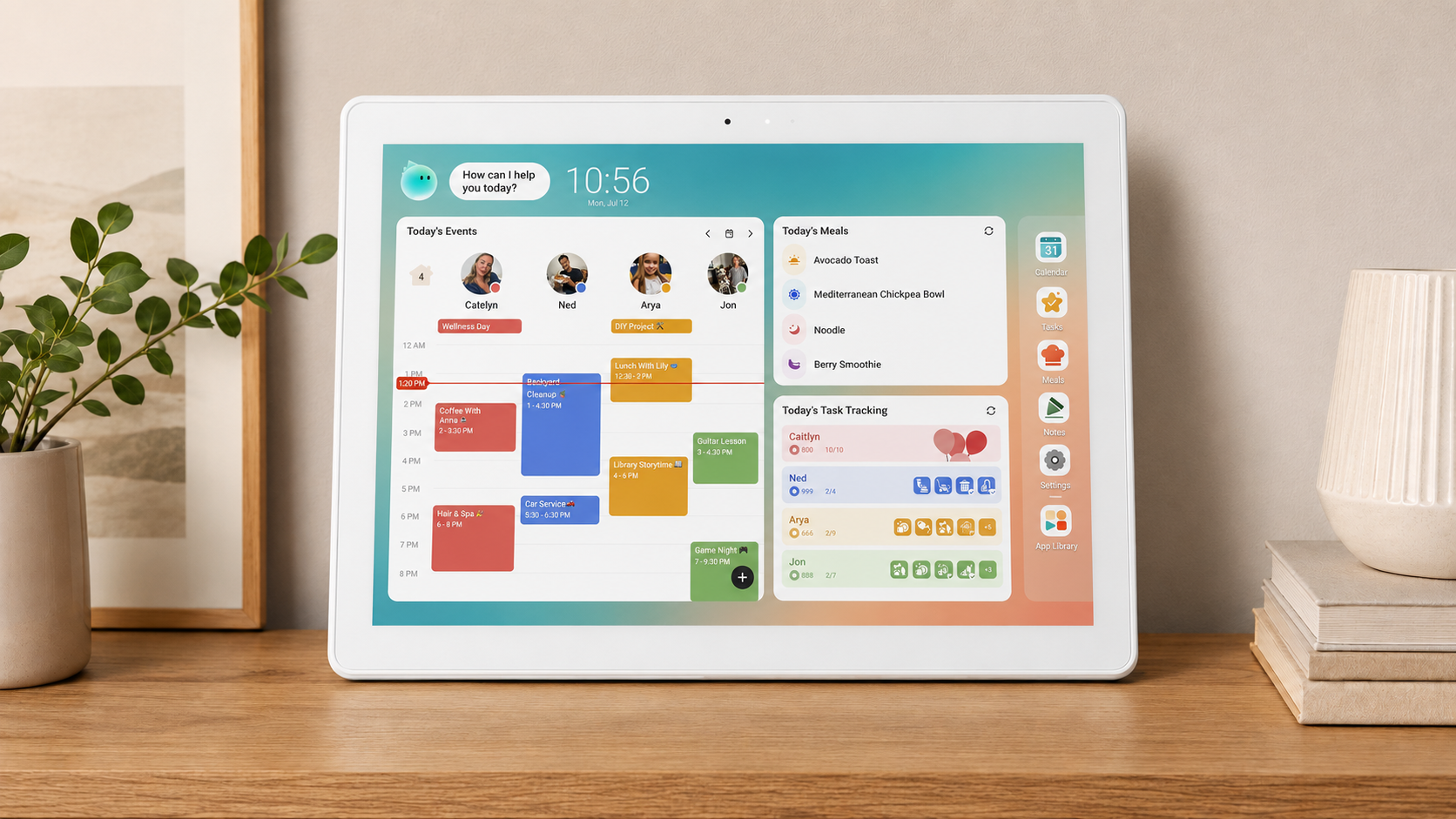
Cozyla Calendar Plus 2 Review: Six Months With My Digital Family Calendar
After six months of use, I found the Cozyla Calendar Plus 2 intuitive, family-friendly and packed with useful organisation tools — although I now wish I had chosen a larger screen.
Read review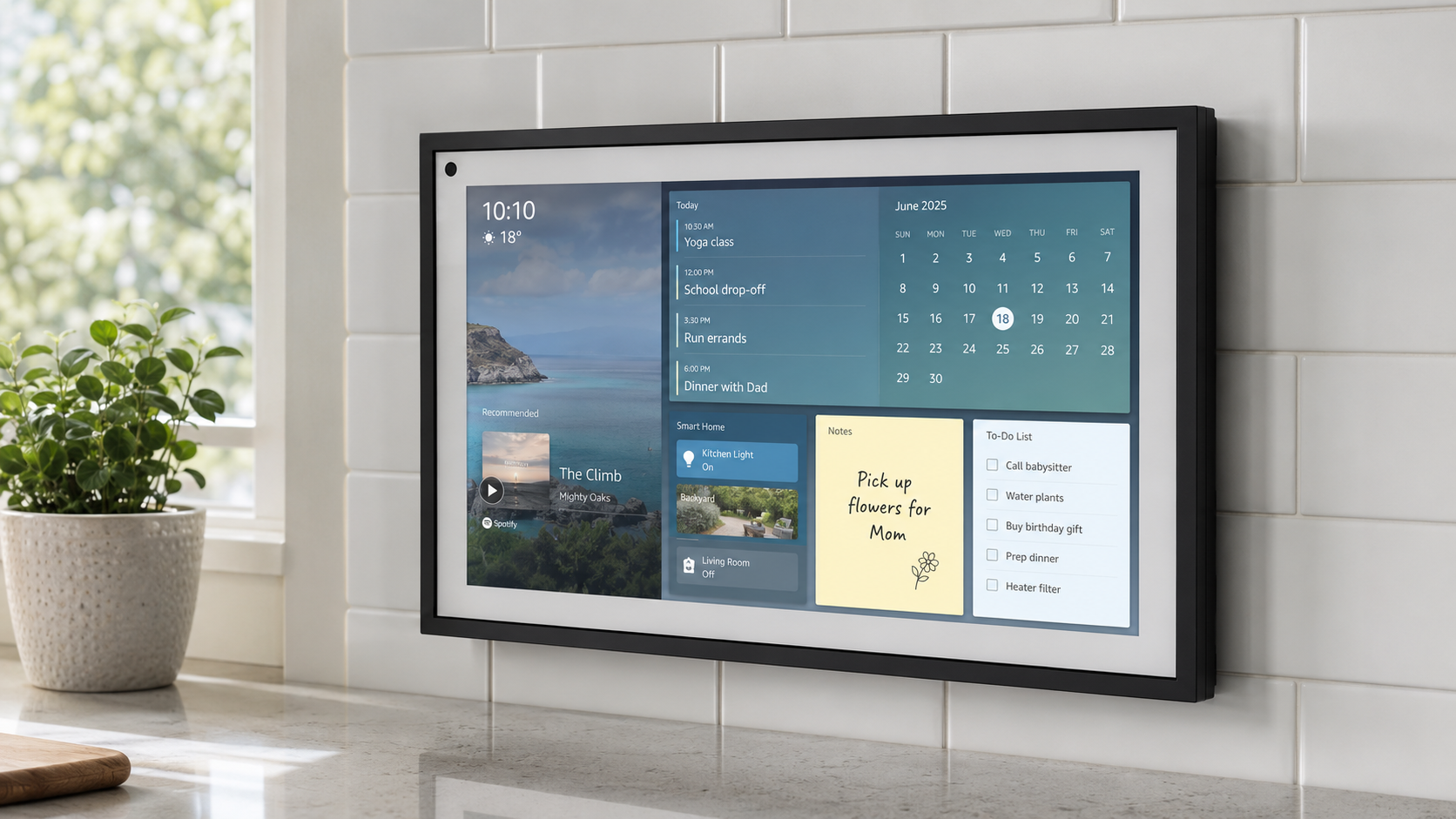
Echo Show 15 Review: A Versatile Kitchen Display with Alexa Built In
The Echo Show 15 combines entertainment, Alexa, smart-home controls and useful household widgets on one large kitchen-friendly screen.
Read review